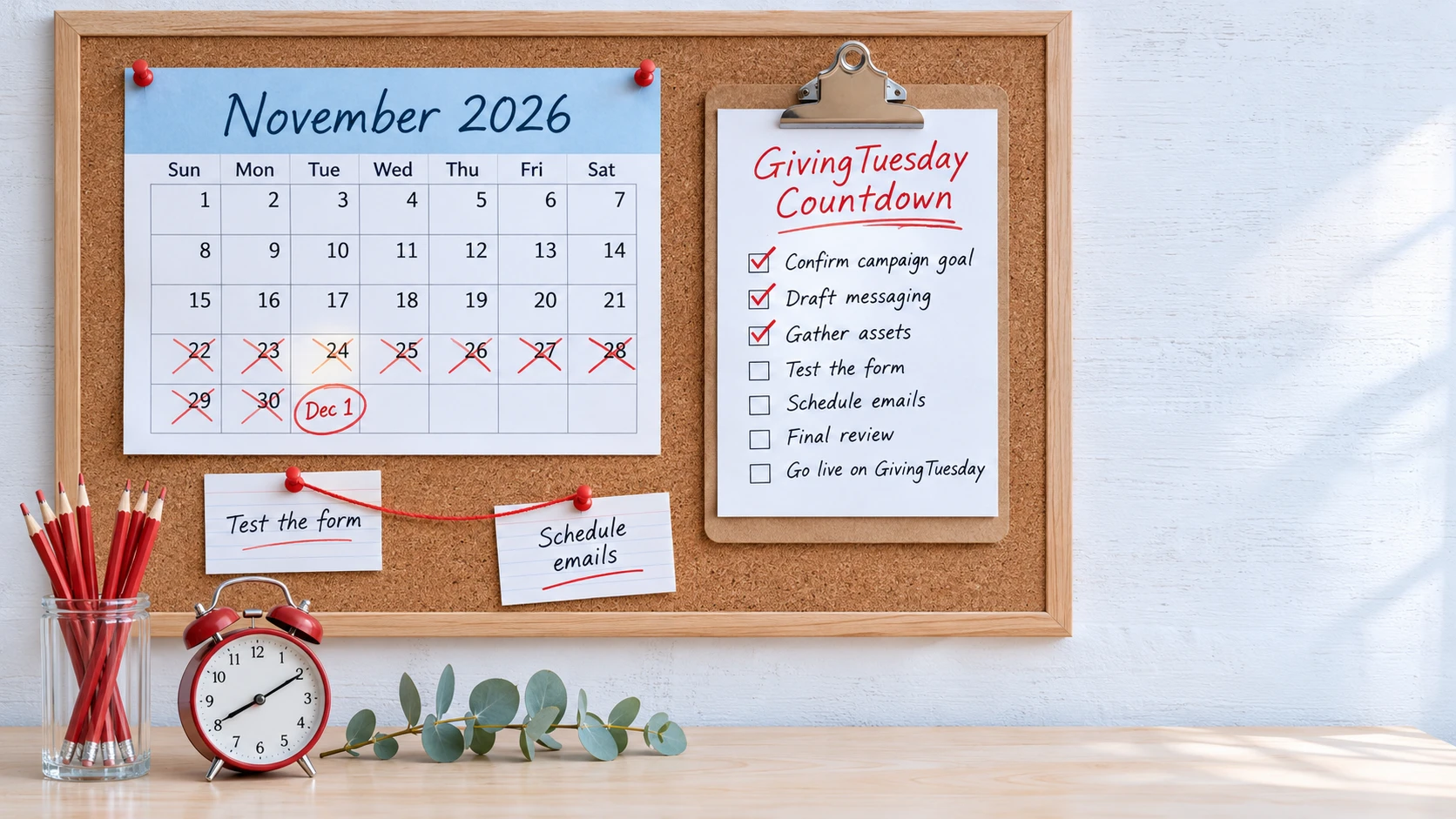
It is November 10. The office has started saying “GivingTuesday” in the same tone people use for “dentist appointment.” Someone has already asked whether the donate button “still works.”
Good news: three weeks is enough.
This is the GivingTuesday checklist for 2026: a week-by-week countdown from November 10 to GivingTuesday on Tuesday, December 1, 2026, plus a day-of list, a day-after list, and a triage section if you are starting from zero. Copy it, assign names, and check boxes.
If you still need to decide what GivingTuesday is for this year (acquisition, a match, monthly giving, peer-to-peer), read the complete GivingTuesday 2026 guide first. This post assumes you know the goal and need to ship it.
Starting today? Do only these 7 things
If it is late, your team is small, or both, skip everything else and do these. In order.
- Write your goal in one sentence. A number, a deadline, a reason. “Raise $10,000 by midnight to keep the shelter’s winter beds open.”
- Pick one page. Use your existing donate page if you must. Add a headline that matches your goal and a progress bar if you can.
- Make a real test gift on your phone. If anything is confusing or broken, fix it before you write a single email.
- Write three emails: launch (morning), progress (afternoon), final hours (evening). Schedule them.
- Send your board a ready-to-forward email and text. Ask each person to send it to five people on December 1.
- Write one thank-you email that goes out automatically after every gift and says what the gift does.
- Put a December 2 results message on the calendar. Thank everyone, share the total, no ask.
That is a real campaign. Not a fancy one, but a real one. Everything below is how to make it better if you have the time.
Week 1 (November 10 to 16): lock the plan and build the page
This week is about decisions and the foundation. If something can’t be decided by Friday, cut it.
Strategy
- Write the December 1 goal in one sentence, with a number
- Confirm the offer: what a gift makes possible (“$40 feeds a family for a month”)
- Confirm any matching gift in writing, including the cap and the deadline
- Decide how the GivingTuesday story connects to your December 31 appeal
- Assign one owner for the campaign and one backup
Page and form
- Build or update the campaign page: headline, offer, progress bar, form above the fold
- Set suggested amounts that match the offer
- Make sure the monthly giving option is visible
- Remove any form field you can collect later
- Make a real test gift on a phone and check the receipt arrives
- Set up tracking links for each channel (email, social, text, board)
For the full form audit, use the year-end donation form checklist. Fixing friction now pays off on December 1 and again on December 31.
Week 2 (November 17 to 23): write everything
This is the week you produce. The rule: anything you’d have to write on December 1 gets written now.
Audiences
- Build segments: current donors, lapsed donors, monthly donors, volunteers who haven’t given, board and ambassadors
- Decide what monthly donors receive (a thank-you and a share ask, not a “give today” ask)
- Set up a suppression rule so anyone who gives on December 1 stops getting that day’s appeals
See year-end donor segmentation if you want to go deeper without creating 40 email versions.
Messages
- Save-the-date email (send this week)
- Story preview email for the weekend before Thanksgiving
- “Tomorrow” reminder for November 30
- Launch, progress, and final-hours emails for December 1
- December 2 thank-you and results email
- Six to eight social posts with images
- Text message reminders, only for people who have opted in
GivingTuesday’s nonprofit toolkit calls email the #1 conversion mechanism to donation and says two to three emails on the day itself is sufficient. So spend your energy on making three emails great, not on writing eight mediocre ones.
A quick before and after for your launch subject line:
| Before | After |
|---|---|
| GivingTuesday is here! | Today, your gift is doubled (until midnight) |
| Support our mission this GivingTuesday | 86 families are waiting on tonight’s total |
| Please give today | We’re at 41%. Can you help us cross 50? |
People
- Send board members a ready-to-forward email, text, and social post
- Recruit ambassadors if you’re running peer-to-peer (the GivingTuesday peer-to-peer playbook has a toolkit and a four-week timeline)
- Line up two or three real stories or photos you can post as updates on the day
Week 3 (November 24 to 30): test, warm up, and rest
Thanksgiving is Thursday, November 26. Plan around it: get the hard work done Monday through Wednesday, and let the scheduled messages do their job over the long weekend.
Test
- Make another real test gift on mobile and on desktop
- Click every link in every scheduled email
- Send test emails to staff on different email apps and check how they look
- Confirm the progress bar updates (or decide who updates it by hand, and how often)
- Check that receipts and confirmation emails send with the right language
Warm up
- Send the story preview email
- Post a “save the date” on social
- Ambassadors soft-launch to their closest friends so pages don’t sit at $0
- Send the “tomorrow” email on November 30
Prepare the room
- Assign one person to watch the form, inbox, and totals all day on December 1
- Assign someone to post real-time updates every few hours
- Put the top-gift thank-you call list in one place
- Write your “we hit the goal” message and your “we’re close, help us finish” message now, so you’re ready for either
And then go eat some pie. The work is done.
Day of: December 1 run sheet
The goal on the day is execution, not creation. If you are writing new copy at 2pm, something slipped.
- 8am: launch email sends, page is live, first social post publishes
- 8:15am: text the board and ambassadors “We’re live” with the link
- 10am: check the form, payment processing, and inbox for problems
- Noon: first progress update on social, with a real number
- 2pm: progress email to people who haven’t given yet (donors suppressed)
- 4pm: share a story or photo and an updated total
- 6pm: personal thank-you calls or texts to the largest gifts
- 7pm: final-hours email, short and honest
- 9pm: final-hours social post and one more board nudge
- 11:30pm: post the result (even if it’s still climbing) and thank everyone
A dry but important note: suppress the people who already gave. The 9am donor does not need the 7pm “there’s still time!” email. They need a thank-you.
Day after: December 2 list
December 2 is when GivingTuesday donors decide if they’re donors to you or donors to a moment.
- Send the thank-you and results email to every donor: the total, the number of people, what it does
- Post the results publicly and thank donors, ambassadors, and the match donor by name (with permission)
- Thank every ambassador and board member personally
- Tag every GivingTuesday donor in your database so you can tell them apart from year-end donors
- Start new donors on a welcome path, not the next appeal
- Write three notes on what worked and three on what didn’t, while you still remember
- Update the campaign page so it keeps working for the year-end campaign
To keep these donors giving, see our donor retention guide. If you want to invite some of them into monthly giving, see story-driven recurring giving.
What success looks like
On December 2, you know your total, your donor count, how many were new, and which channel brought them in. Every donor has been thanked. Your board knows the result. And the campaign page, story, and donor list roll straight into the rest of December, where M+R Benchmarks 2026 found 37% of 2025 online revenue arrived.
The stakes are simple. A rushed GivingTuesday doesn’t just raise less on the day. It leaves you with first-time donors who never hear from you again, and a December 31 campaign that starts cold.
Your next step
Copy the week 1 list into your tracker right now and put a name next to every box. If you are behind, use the 7-thing triage list instead and come back to the rest next year.
For the bigger picture, see the complete GivingTuesday 2026 guide, the 2026 year-end fundraising guide, and the year-end fundraising calendar.
If you’re setting up for the season, Givable brings the checklist’s moving parts together: campaign landing pages with live results, donation forms built for mobile, broadcasts that can skip people who recently gave, and journeys for the automatic thank-you.
Frequently asked questions
When should we start our GivingTuesday checklist?
Ideally in September or October, but three weeks is enough for a focused campaign. Start with the goal, the page, and a test gift, then write all messages in the second week and test everything in the third.
What is the minimum we need for GivingTuesday?
A one-sentence goal, a working donation page, a tested mobile form, three day-of emails, a board outreach message, an automatic thank-you, and a December 2 results message. That is the 7-thing triage list above.
How many emails should we send on December 1?
GivingTuesday’s toolkit suggests two to three emails on the day is sufficient. Give each one a distinct job (launch, progress, final hours) and remove anyone who has already given from the later sends.
What should we do the day after GivingTuesday?
Thank every donor with the results, thank ambassadors and board members personally, tag GivingTuesday donors in your database, and start new donors on a welcome path before asking again. Then update the campaign page for the rest of the year-end season.