Events & Ticketing
From the first ticket to the last guest.
A beautiful event page, tickets, tables, and sponsorships, the room, and the door, with every attendee landing in your donor CRM.
Sell everything
One checkout for the whole night.
Guests pick a ticket, a table, a sponsorship, and extras, then pay once. Every dollar goes to the fund and campaign you choose.
Tickets
One admission per purchase, free or paid, with early-bird pricing.
Tables and groups
Several seats in one purchase, with discounts for buying more.
Sponsorships
Tiers like Gold, with benefits, a photo, and seats included.
Add-ons
Merchandise and extras with stock and variants.
Donations
A gift at checkout, in whatever amount the guest chooses.
Sell out smarter
Fill every seat, then the waitlist.
Reward early buyers, thank your board, and keep demand when you’re full, without juggling spreadsheets.
- Early-bird prices that end on the dates you set.
- Promo codes and group discounts.
- Capacity per ticket, with “few left” and “sold out” on your page.
- A waitlist that offers freed spots by hand or automatically.
Your event page
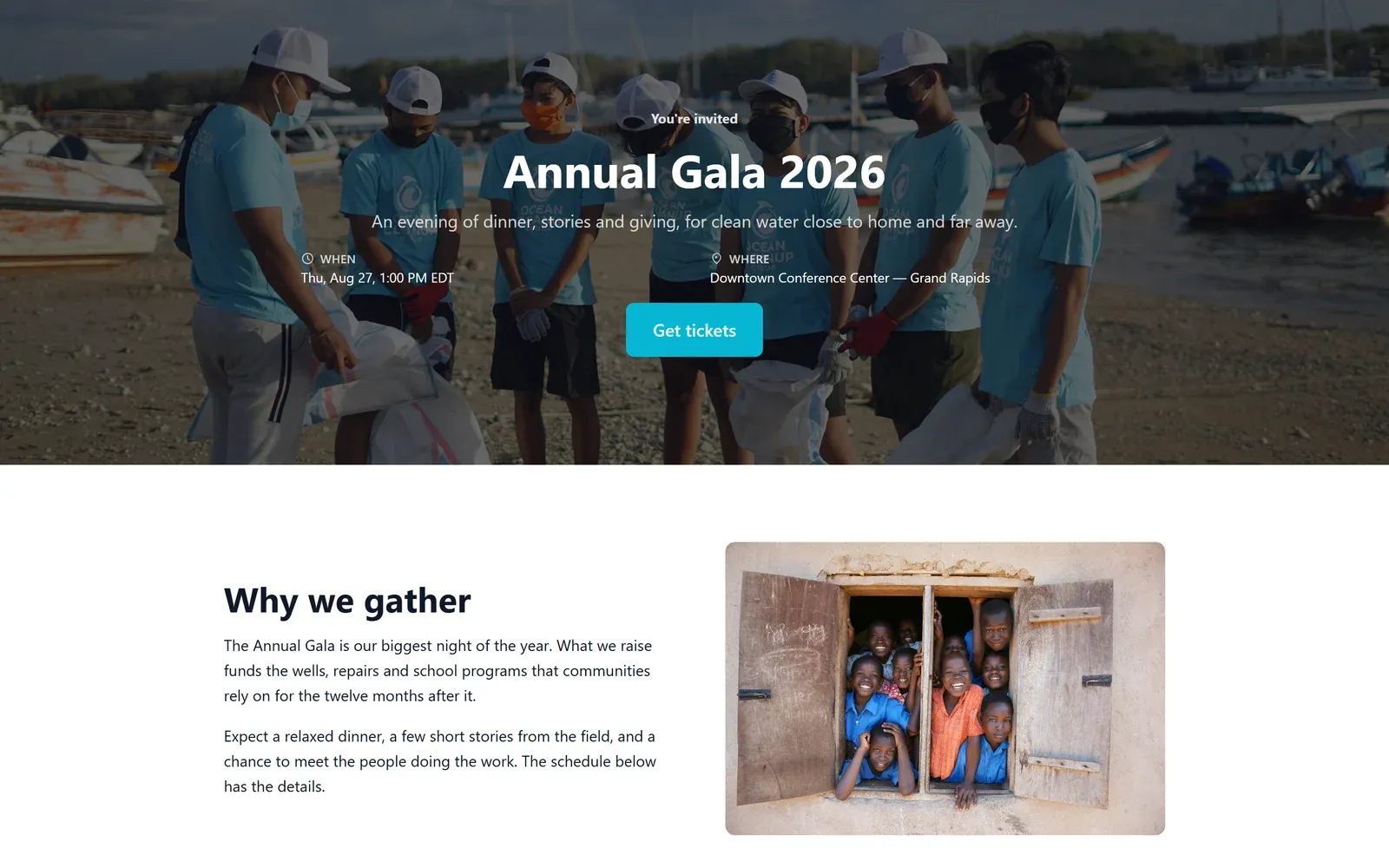
A page that looks like your event.
Every event gets its own page, built in the same drag-and-drop builder as your landing pages. Start from a template or a blank canvas, and tickets are built in.
- A multi-day agenda, speaker profiles, and your sponsors.
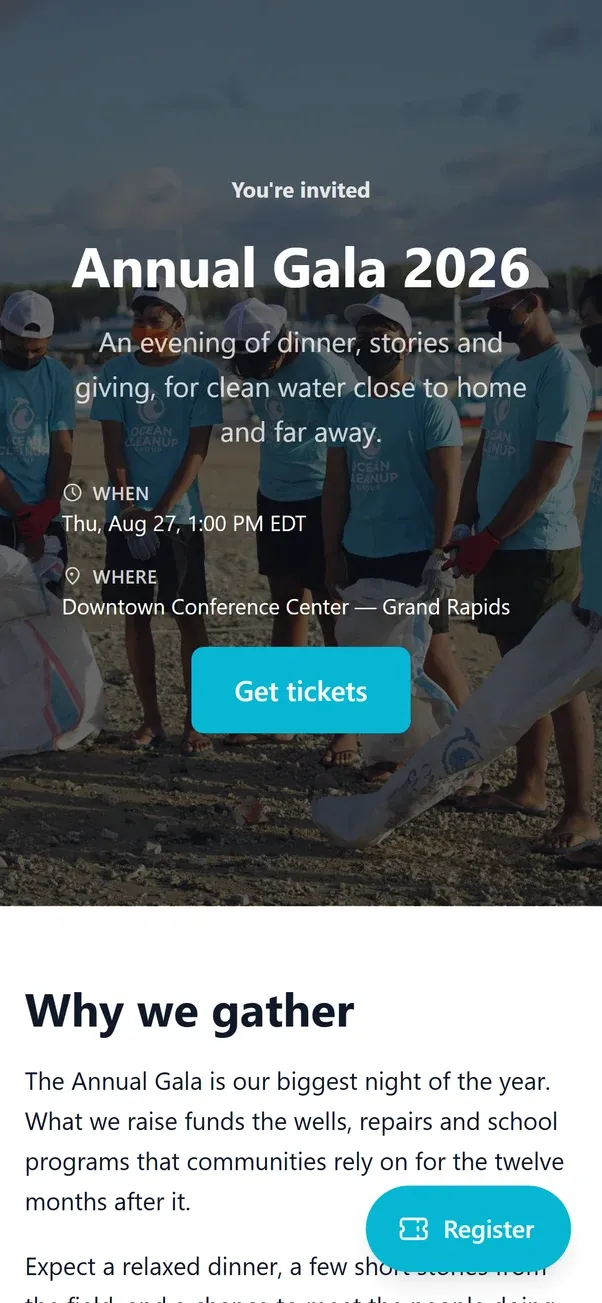
- Preview on desktop, tablet, and phone before you publish.
- Tickets, tables, and sponsorships right on the page.
Seating and floor plans
Lay out the room, then seat your guests.
Drag tables, chair sections, a stage, and doors onto a floor plan drawn to scale, then place guests on tables or specific seats.
- More than one room, edited by your team at the same time.
- Print the plan, a seating chart, and table tent cards.
- Reshuffle on the night straight from check-in.
Run the door
A check-in desk built for 6pm.
One row per guest, not per booking, because people arrive one at a time. Search by name, email, or ticket code, or scan a printed badge.
- Checked in, still to arrive, not coming, and expected, live.
- Badges printed automatically as guests arrive.
- Check in a whole table at once.
- Several desks at once, with no double check-ins.
The Givable Events app.
A check-in app for the door, on the tablets and phones you already have. Set up a self-service kiosk, or hand your team a phone.
 iPhone and iPad
 Android
The details
Everything between “register” and “thank you.”
Deposits and balances
Take a deposit now and the balance by a date you set, and see who still owes.
Waivers with eSign
Signed after checkout by email, or at the door before check-in.
Every guest in your CRM
Collect attendee emails and each guest is linked to a supporter record.
Questions that adapt
Meal choices, access needs, and follow-up questions that appear only when they apply.
QR tickets
Every confirmation carries a QR ticket that jumps straight to the guest at the door.
Email and text, scheduled
Reminders before the event and thank-yous after, by email or text.
Any currency
Choose the currencies each event accepts, and guests pay in theirs.
Volunteers at the door
Give volunteers a role that can check guests in and nothing else.
Event analytics
Sales, registrations, and check-ins in one place, with financials to export.
Events questions
Can I sell tables and sponsorships, not just tickets?
Yes. Sell individual tickets, tables or groups with several seats in one purchase, and sponsorship tiers with benefits and seats. Add merchandise and a donation at checkout as add-ons.
Can I offer early-bird pricing, promo codes, and a waitlist?
Yes. Give a ticket one or more prices that end on dates you set, add promo codes and group discounts, and cap each ticket type. When an event sells out, guests can join a waitlist, and freed spots are offered by hand or automatically.
Can I seat guests and print badges?
Yes. Create tables and arrange the room in a full-screen floor plan, then publish the seating. At the door, check guests in by name, email, ticket code, or a scanned badge, and print badges automatically as they arrive from a desktop browser.
Can I customize the event page?
Yes. Each event gets its own page, designed in the Givable page builder with headings, images, galleries, video, FAQs, and more, and previewed on desktop, tablet, and phone before you publish. Tickets and registration are built into the page.
Is there a check-in app?
The Givable Events app for iPhone, iPad, and Android is coming soon, with a self-service kiosk mode and a staff check-in mode. Today, check-in runs in any browser, and badge printing works from a desktop browser.
Can guests pay a deposit?
Yes. Ticket and table purchases can allow a deposit, with the balance due by a date you set. Balances show on the Registrations tab, and you can take the remaining payment on the card already on file.
Can I sell tickets on my own website?
Yes. The Event tickets, Event items, and Sponsorship packages blocks put the event on your site, all adding to one registration. For a simple event, the Registration form block puts the attendee form right on your page.
Explore more of the platform
Plan your next event in Givable.
Book a demo and we’ll walk through tickets, seating, and the door.